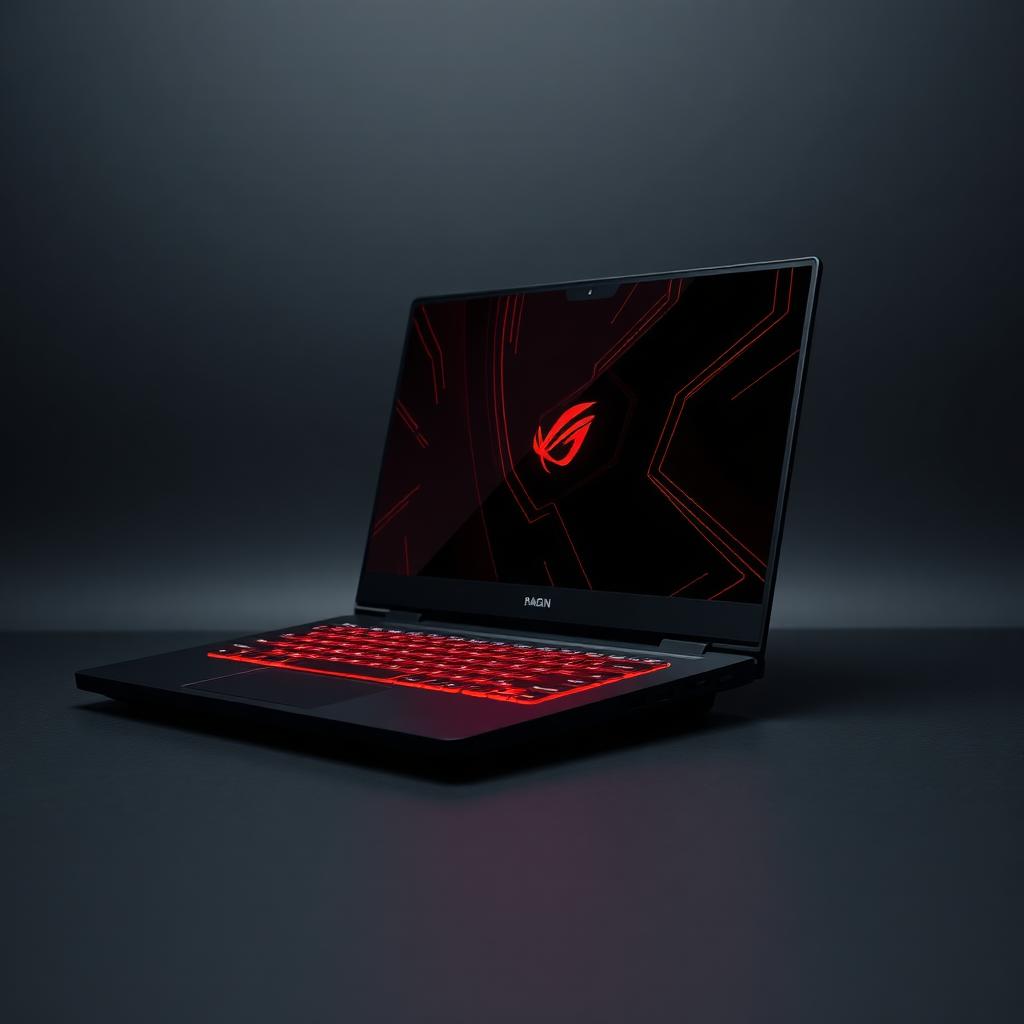
Gaming Laptop
High-refresh display and a dedicated GPU for AAA titles.
Typical specs
Core i7/Ryzen 7+ · RTX 4060–4090 · 16–32 GB RAM · 144–240 Hz display
Best for
Modern games, 3D rendering, video editing and light AI model training.
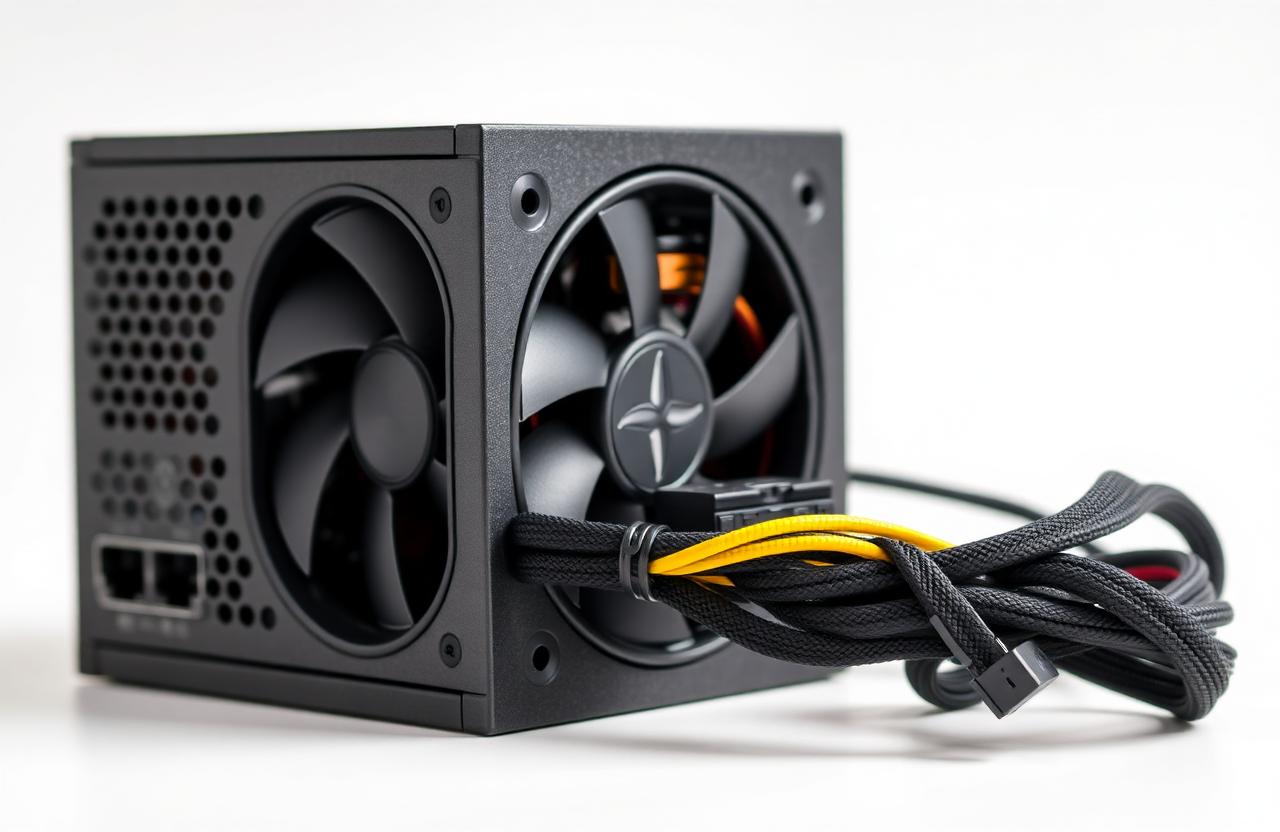
The architecture of a modern PC — the parts that power IoT workstations, edge servers and AI training machines.
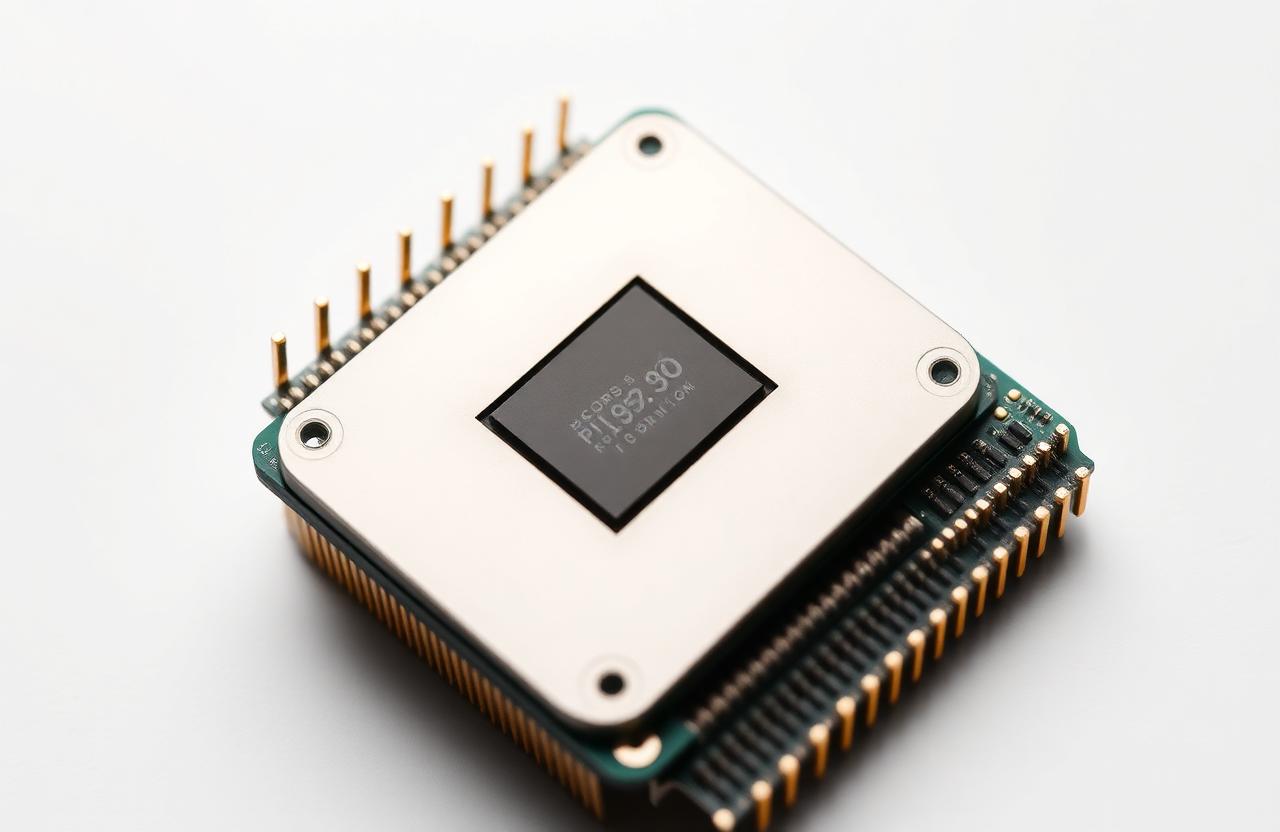
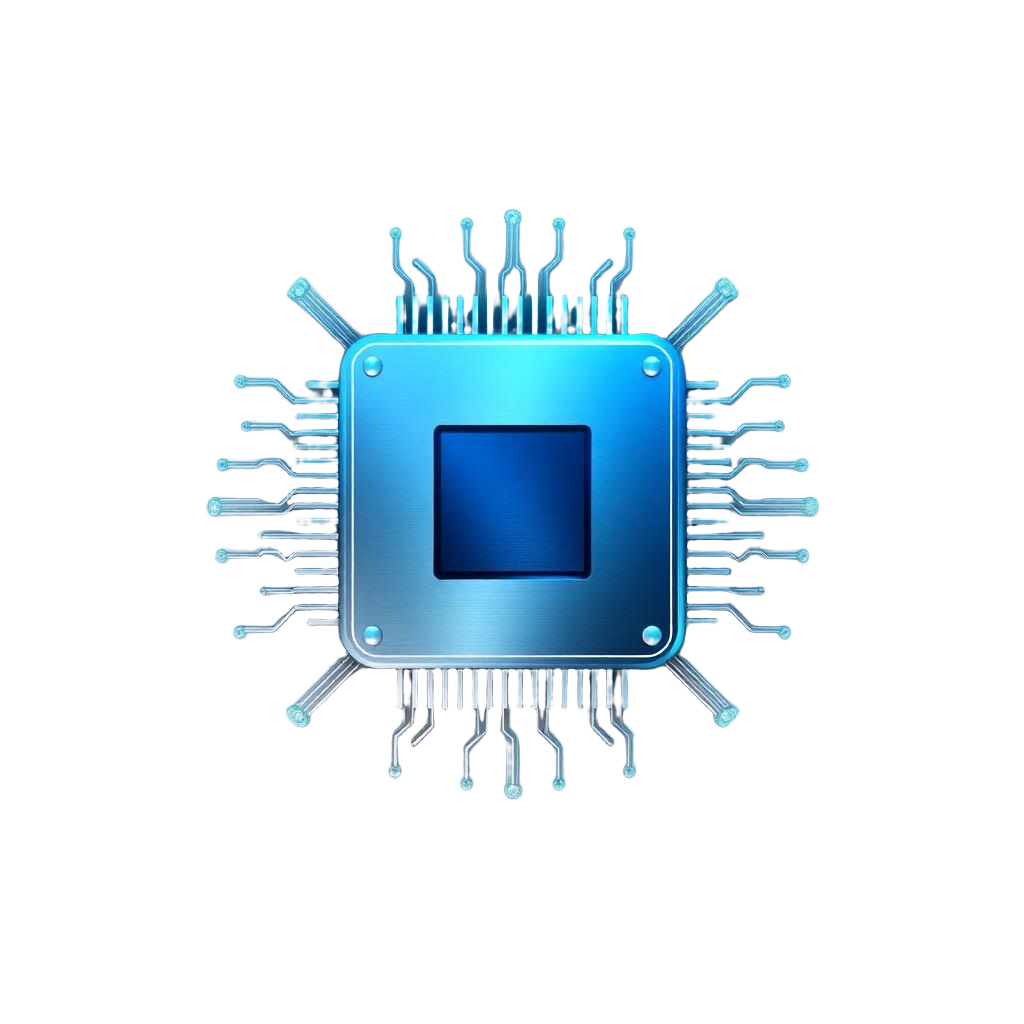
The brain of the computer that executes instructions.
Definition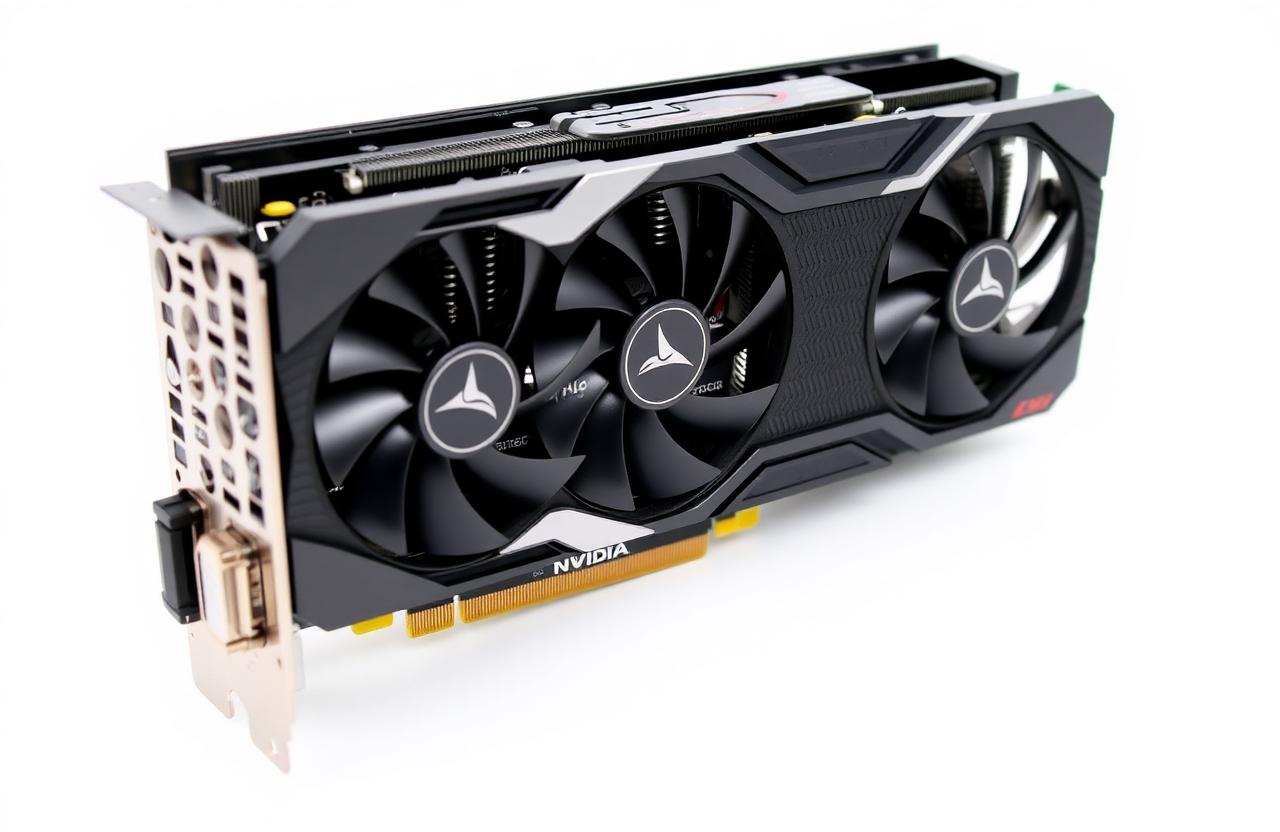
Massively parallel processor — the heart of modern AI.
Definition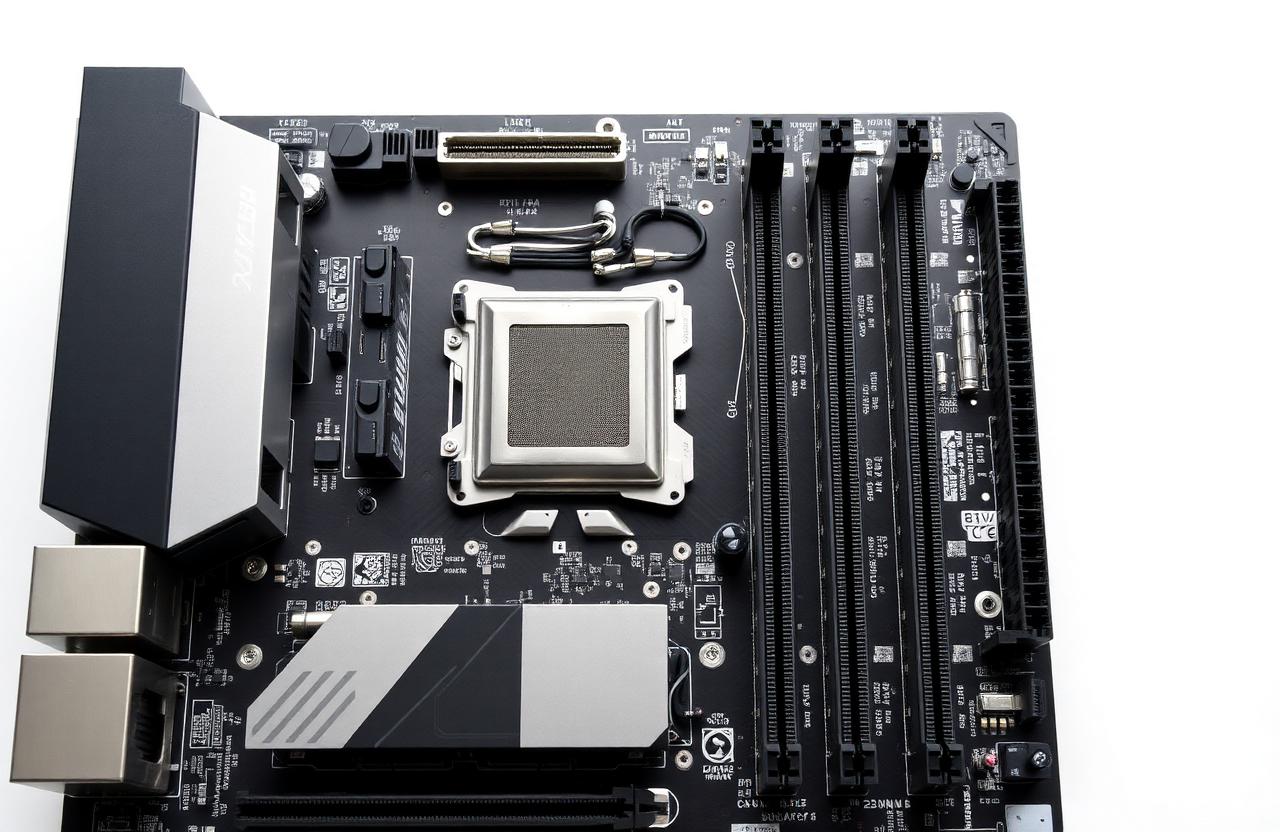
The central hub that connects every component.
Definition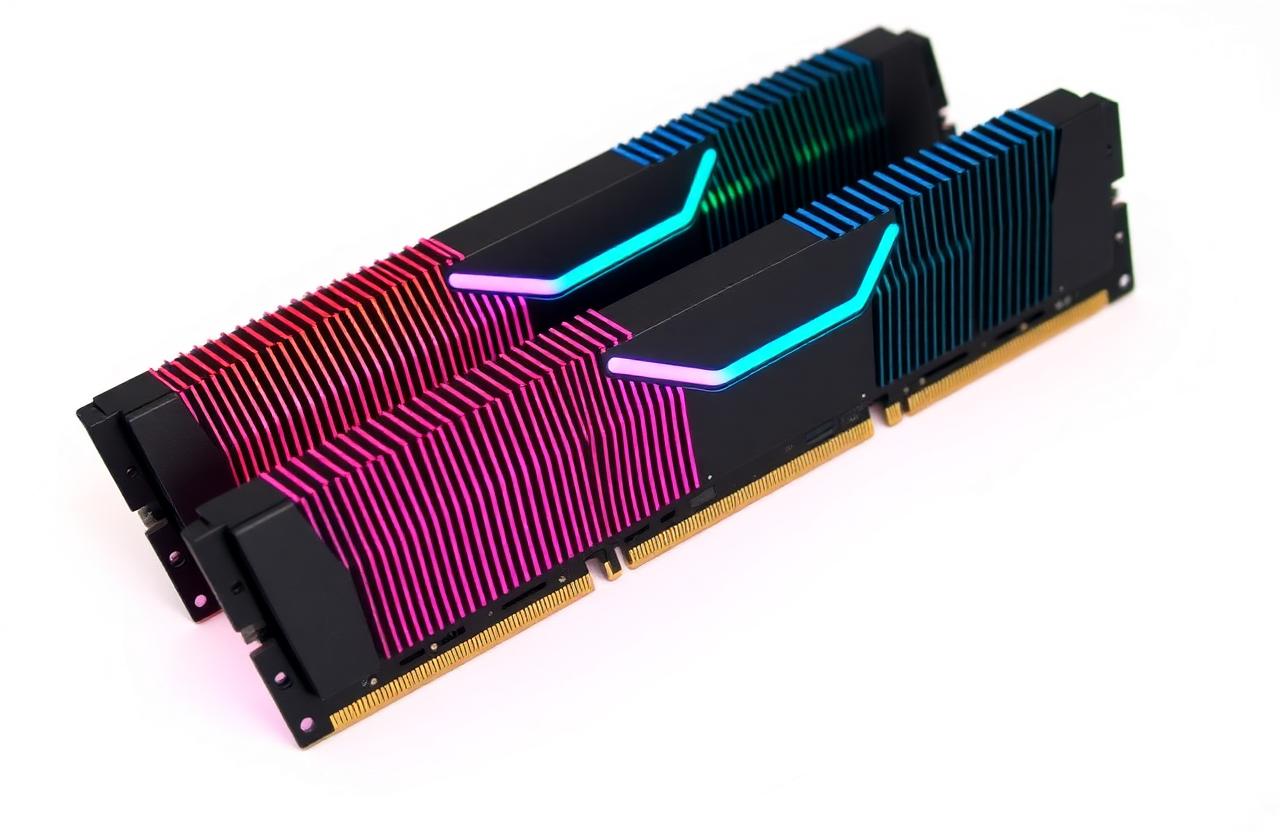
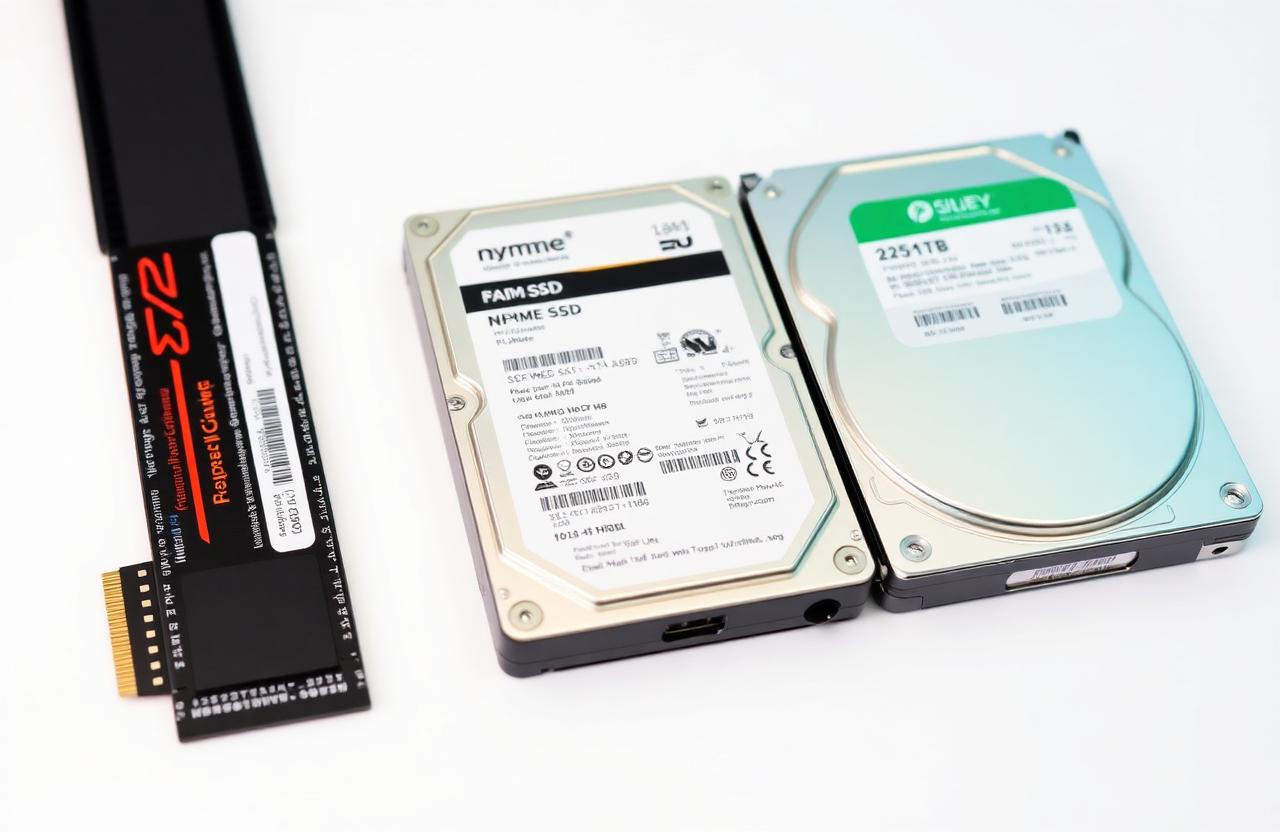
Fast volatile memory for active data and programs.
DefinitionThe main categories of laptops today — each optimised for a different workload, budget and portability trade-off.
High-refresh display and a dedicated GPU for AAA titles.
Core i7/Ryzen 7+ · RTX 4060–4090 · 16–32 GB RAM · 144–240 Hz display
Modern games, 3D rendering, video editing and light AI model training.
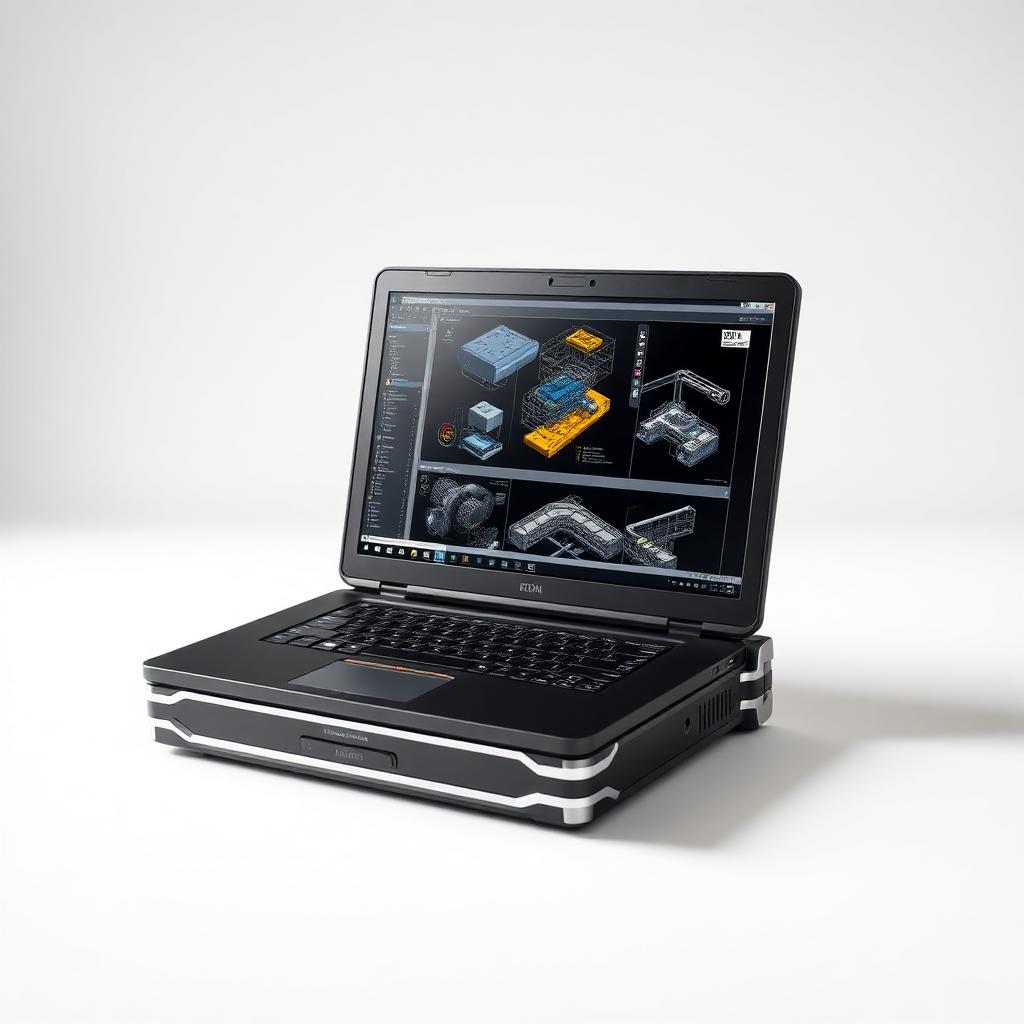
Certified pro-grade laptop for engineering and creation.
Xeon/Core i9/Ryzen 9 · RTX Ada / Quadro · 32–128 GB ECC RAM · Color-accurate panel
CAD, 3D animation, scientific compute, ML training and video production.
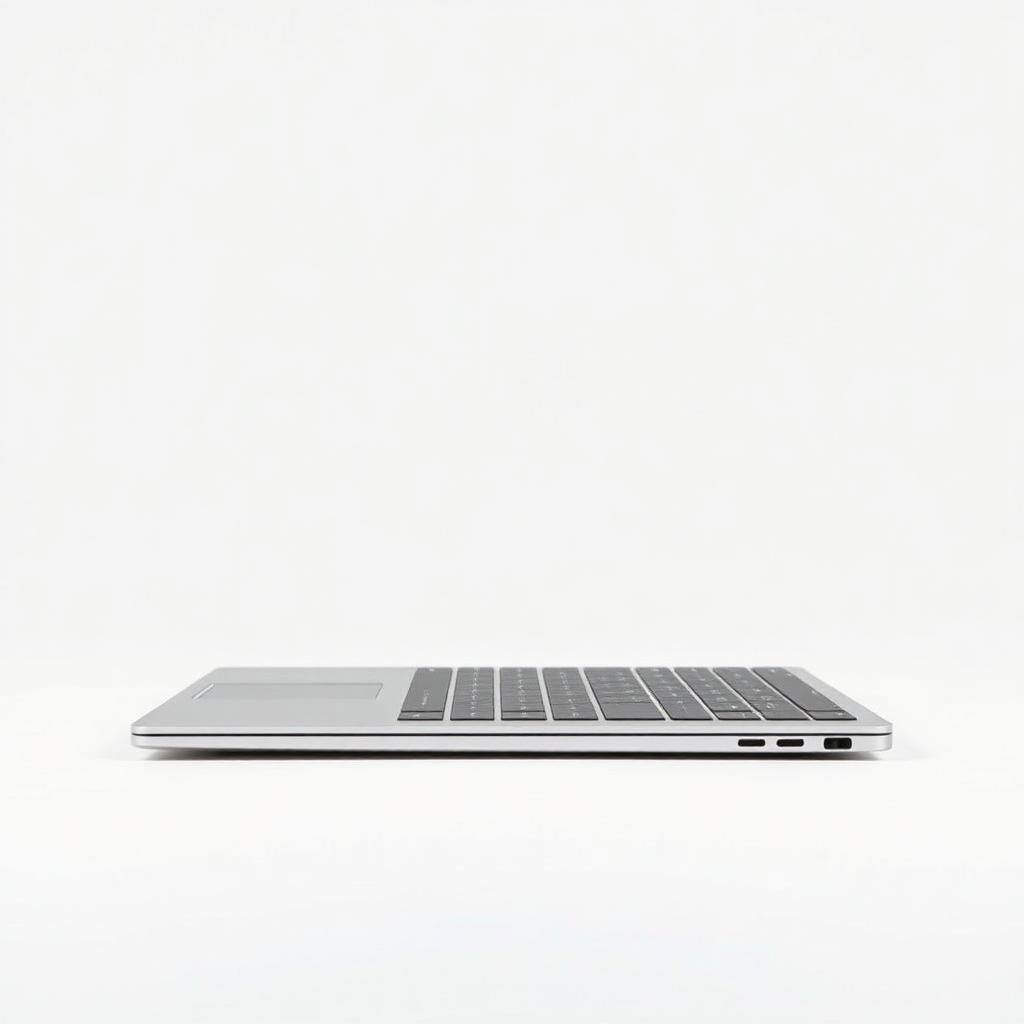
Ultra-thin and light with all-day battery life.
Core Ultra / Ryzen AI · Integrated GPU · 16–32 GB RAM · <1.4 kg · 12–18 h battery
Students, developers and travellers who prioritise portability and battery.
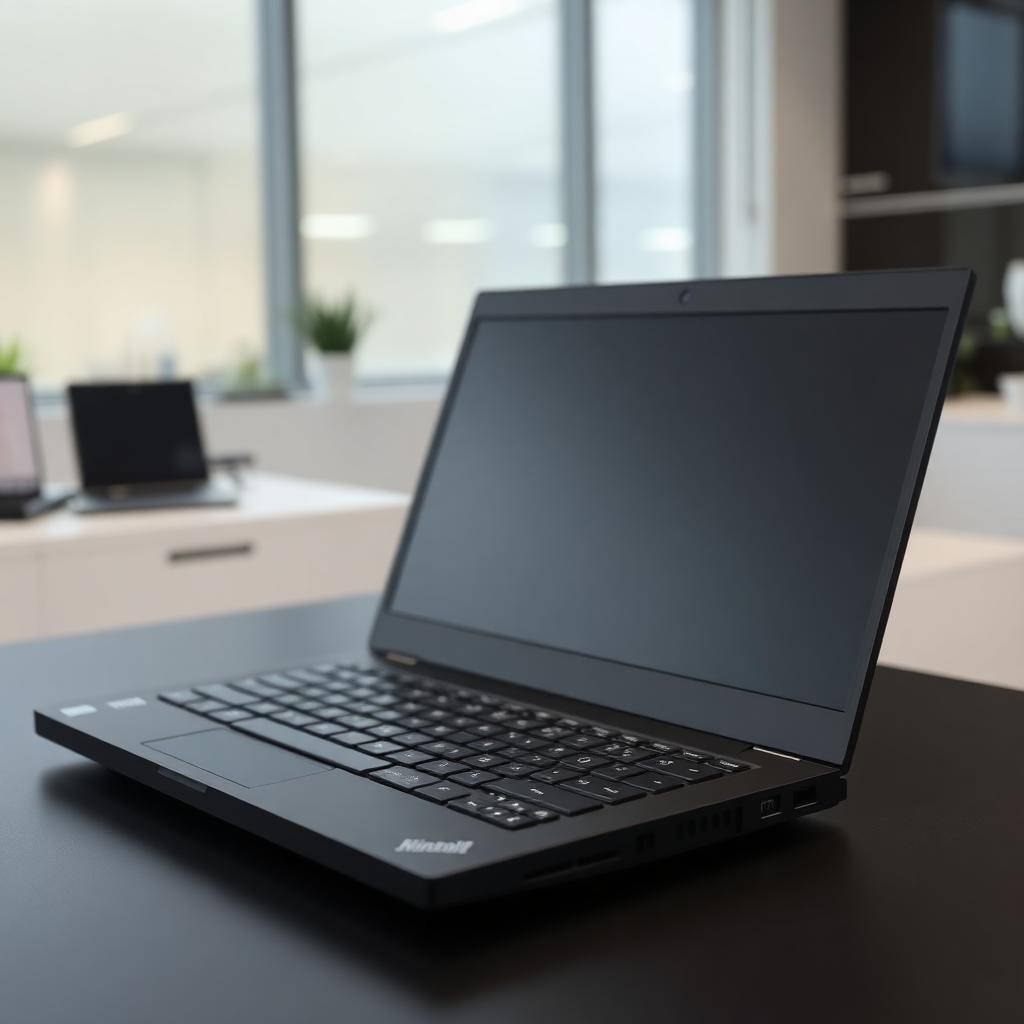
Durable build, security chips and enterprise support.
vPro / Ryzen Pro · TPM 2.0 · Fingerprint + IR camera · Spill-resistant keyboard
Corporate work, remote employees and IT-managed fleets.
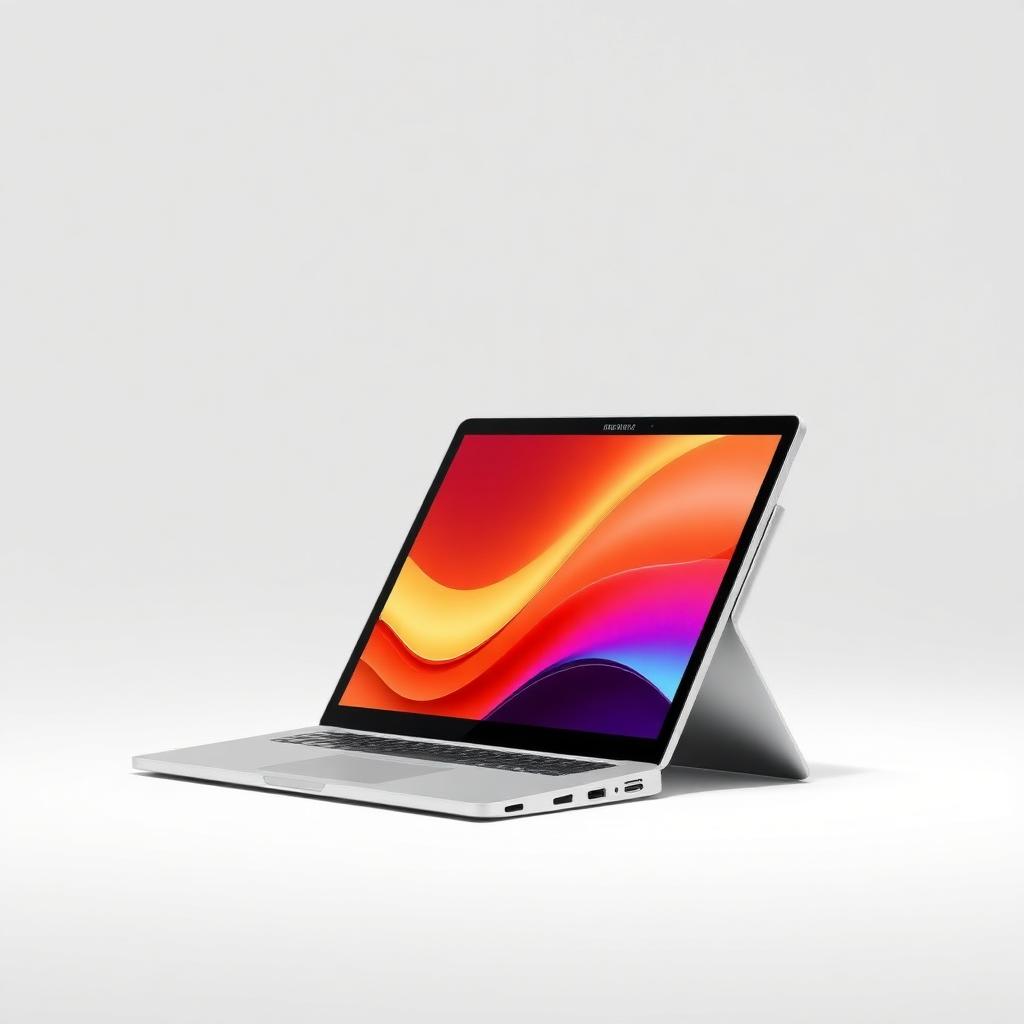
Touchscreen that flips or detaches into a tablet.
360° hinge or detachable · Active stylus · Full HD+ touch display · 8–16 GB RAM
Note-taking, digital drawing, presentations and hybrid work.
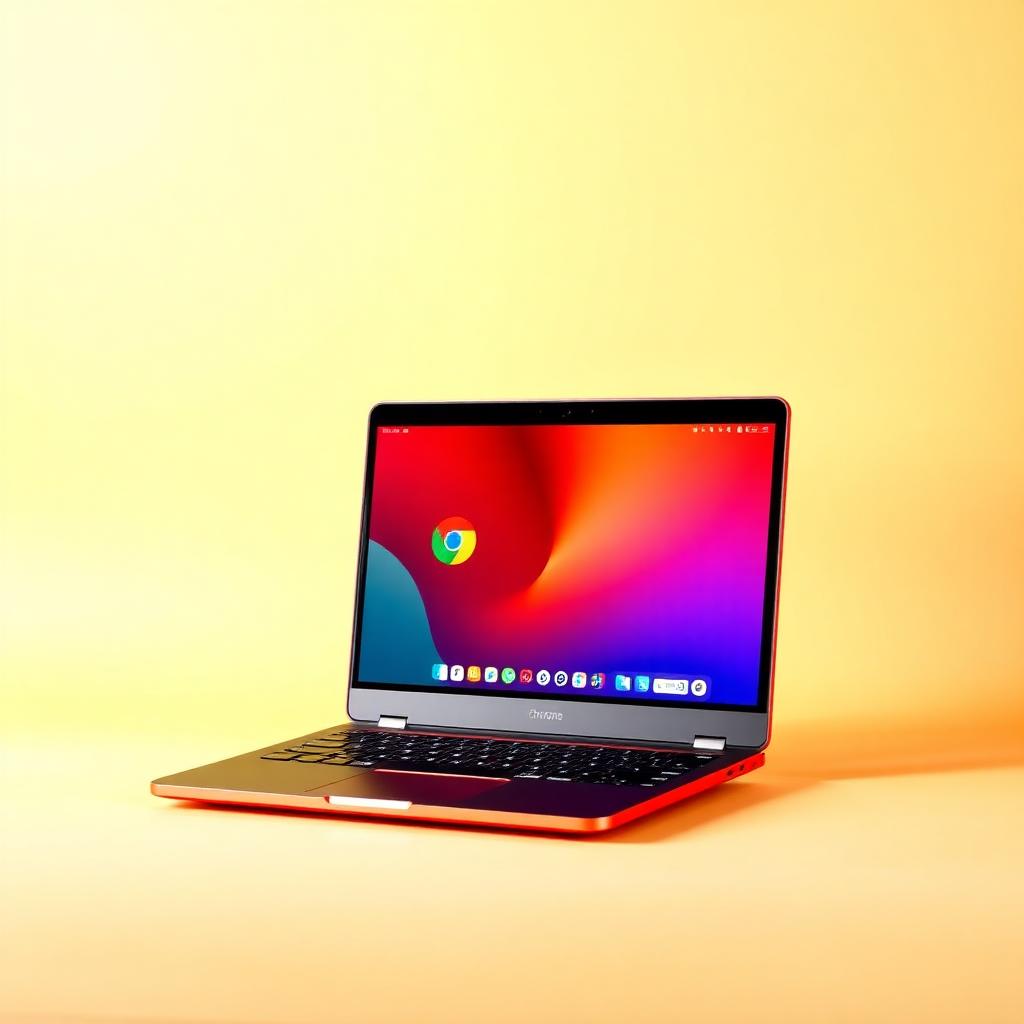
Runs ChromeOS — fast, secure and cloud-first.
ARM or low-power x86 · 4–8 GB RAM · 64–128 GB eMMC/SSD · ChromeOS
Schools, web-based work, browsing and Android apps.

Affordable machine for everyday computing tasks.
Core i3/Ryzen 3 · Integrated GPU · 8 GB RAM · 256–512 GB SSD
Web browsing, office documents, video calls and online classes.
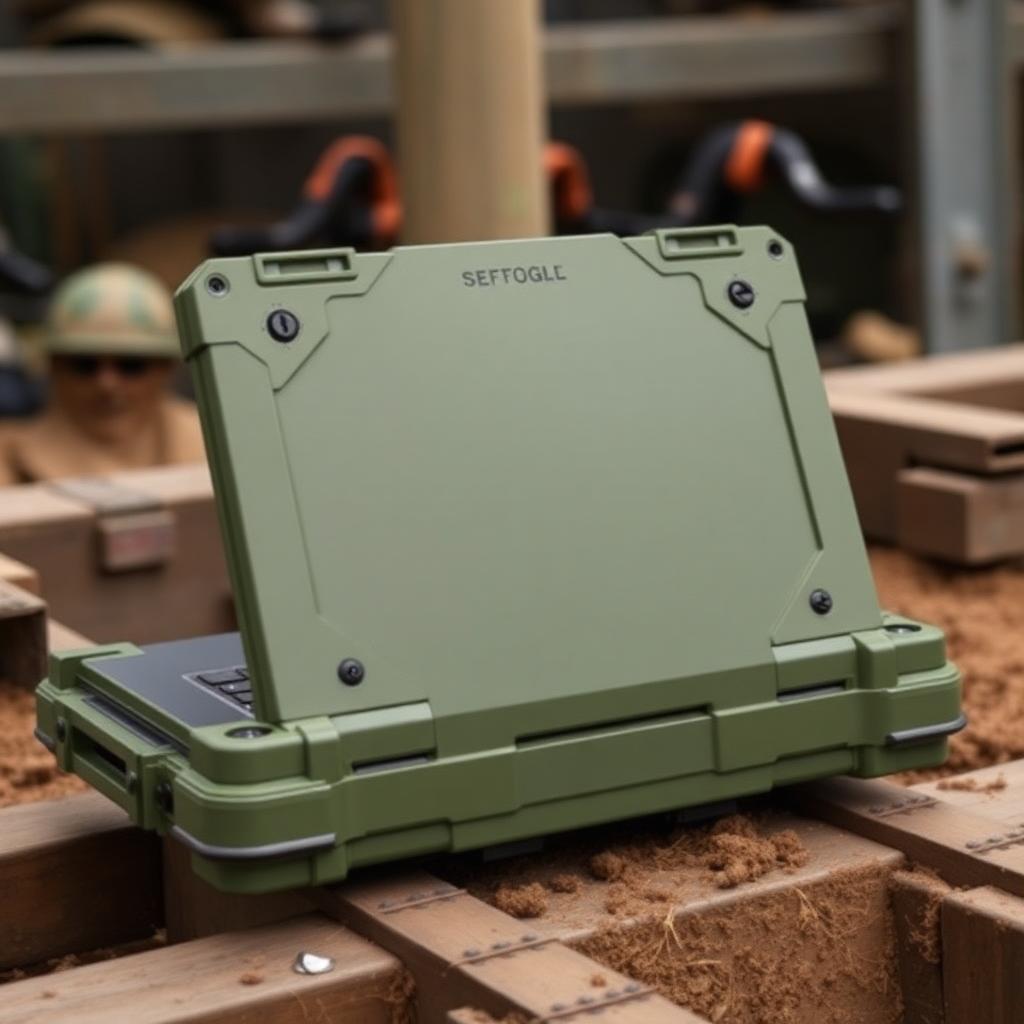
Reinforced chassis built to survive harsh environments.
MIL-STD-810 · IP65 · Sunlight-readable display · Hot-swap battery
Field work, military, industrial and outdoor engineering.
Which one fits your workflow? A quick side-by-side of the trade-offs so you can choose with confidence.